How a phone level works
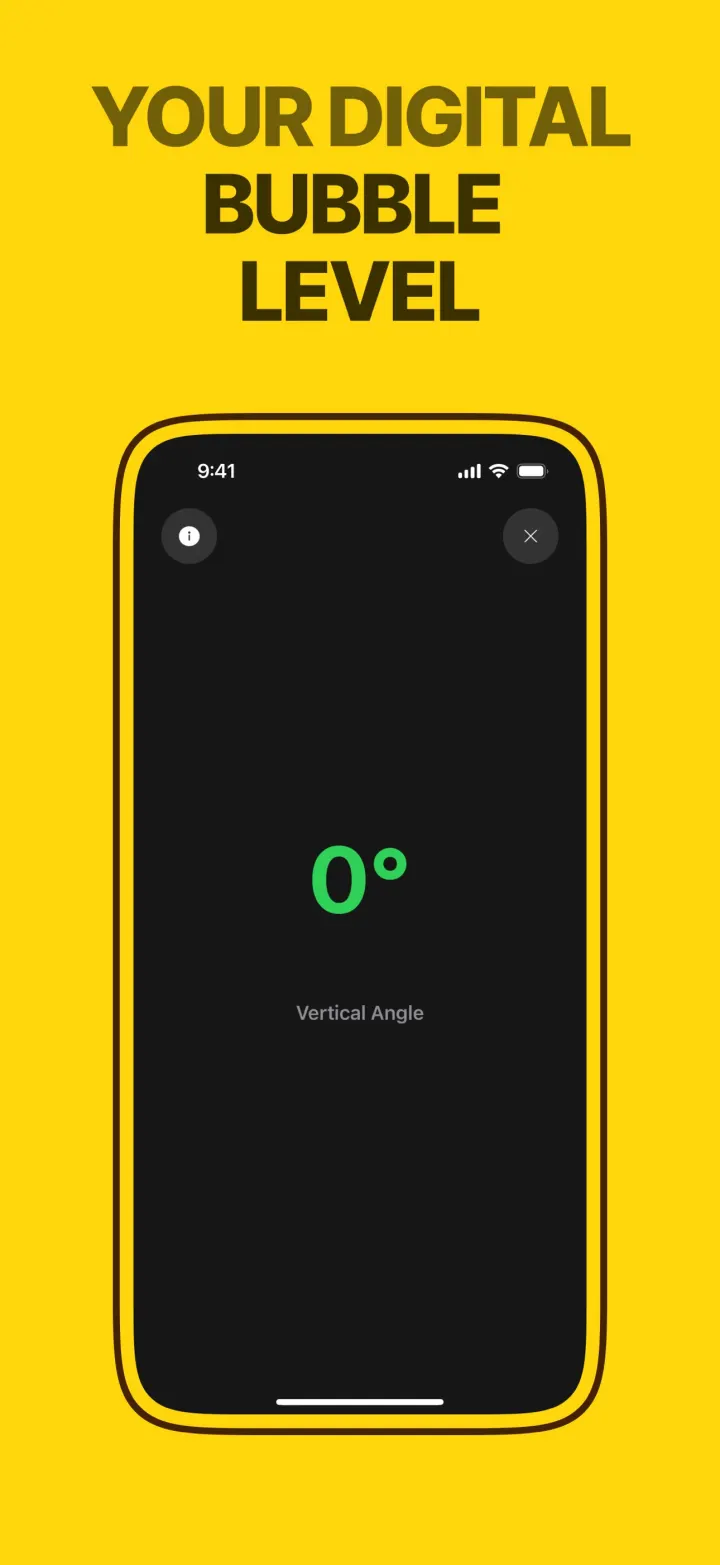
Every iPhone has a motion sensor that knows which way gravity points. The Level tool reads it many times a second and shows how far the phone is tilted from true horizontal or vertical, in degrees.
The mode follows how you hold the phone. Upright against a door frame, it reads the vertical angle. Turned on its long edge along a shelf, the horizontal angle. Laid flat on a table, the surface level. The reading turns green when it is true.
How it works in the app
- 1
Open Level. The mode switches by itself as you turn the phone.
- 2
Lay the phone flat on the object, or hold its edge against it.
- 3
Adjust the object until the reading is 0° and turns green.
Three modes, no switching
Vertical for frames and posts, horizontal for shelves, surface for tables and appliances. It follows the phone.
Big readout
A large degree number you can read from a step away while you adjust.
Free forever
The level has no daily limit and needs no subscription.

 Free · no limit