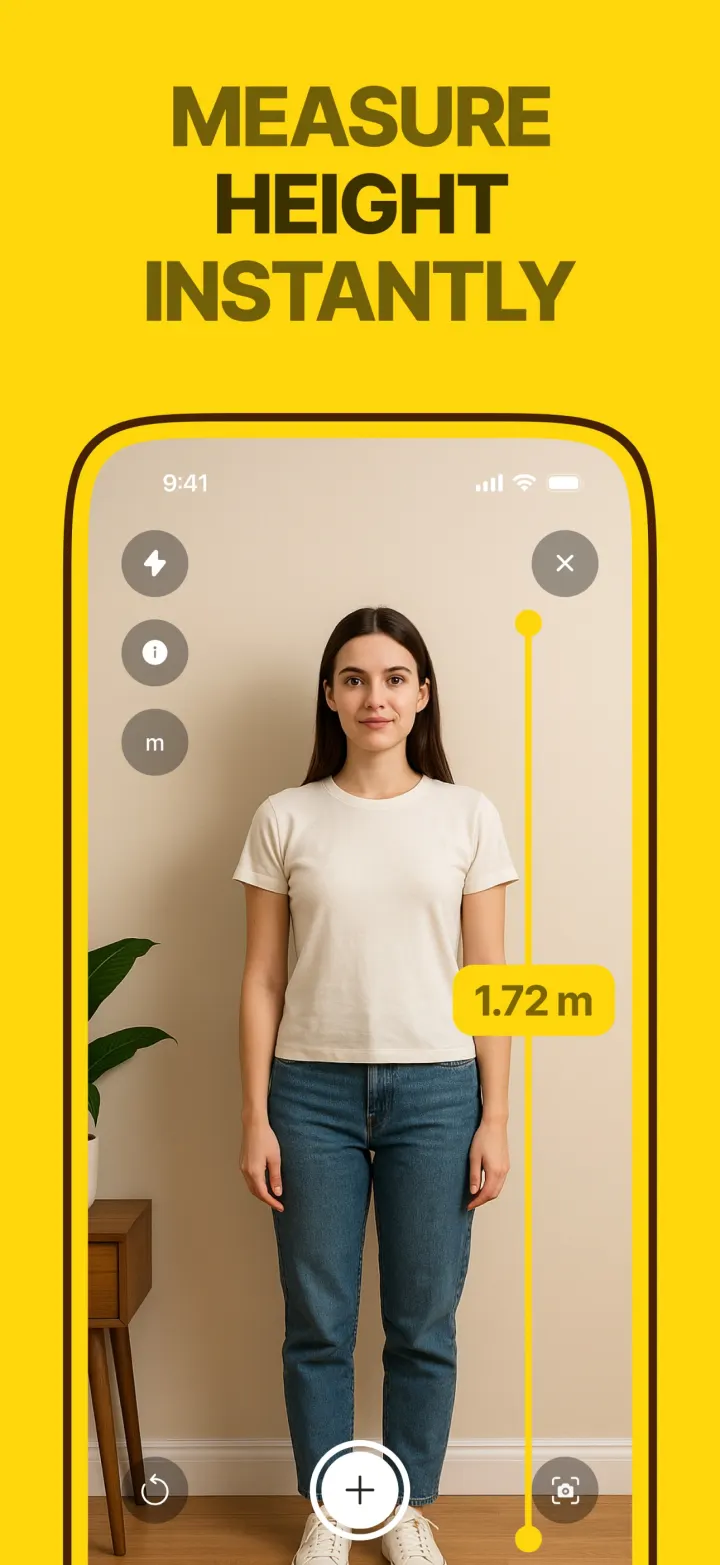
How the app measures height
The Height tool finds the floor first, then lets you place a point where the object starts. As you tilt up, the app keeps the line vertical and shows the length growing in real time. Tap at the top and the height stays on screen.
Because the line is locked to vertical, you do not need to stand perfectly square to the wall. You do need to see both the base and the top in the camera.
How it works in the app
- 1
Open Height and point at the floor until the app says AR Calibrated.
- 2
Put the center mark where the object meets the floor and tap.
- 3
Tilt up to the top and tap again. The height appears on the yellow line.
Measuring a person
Ask them to stand against a wall, heels touching it. Tap at the heels, then level with the top of the head.
Ceilings
Stand a few steps back so both the skirting and the ceiling line are in view.
Any unit
Read it in meters and centimeters or feet and inches.

 Premium tool · free trial on the weekly plan